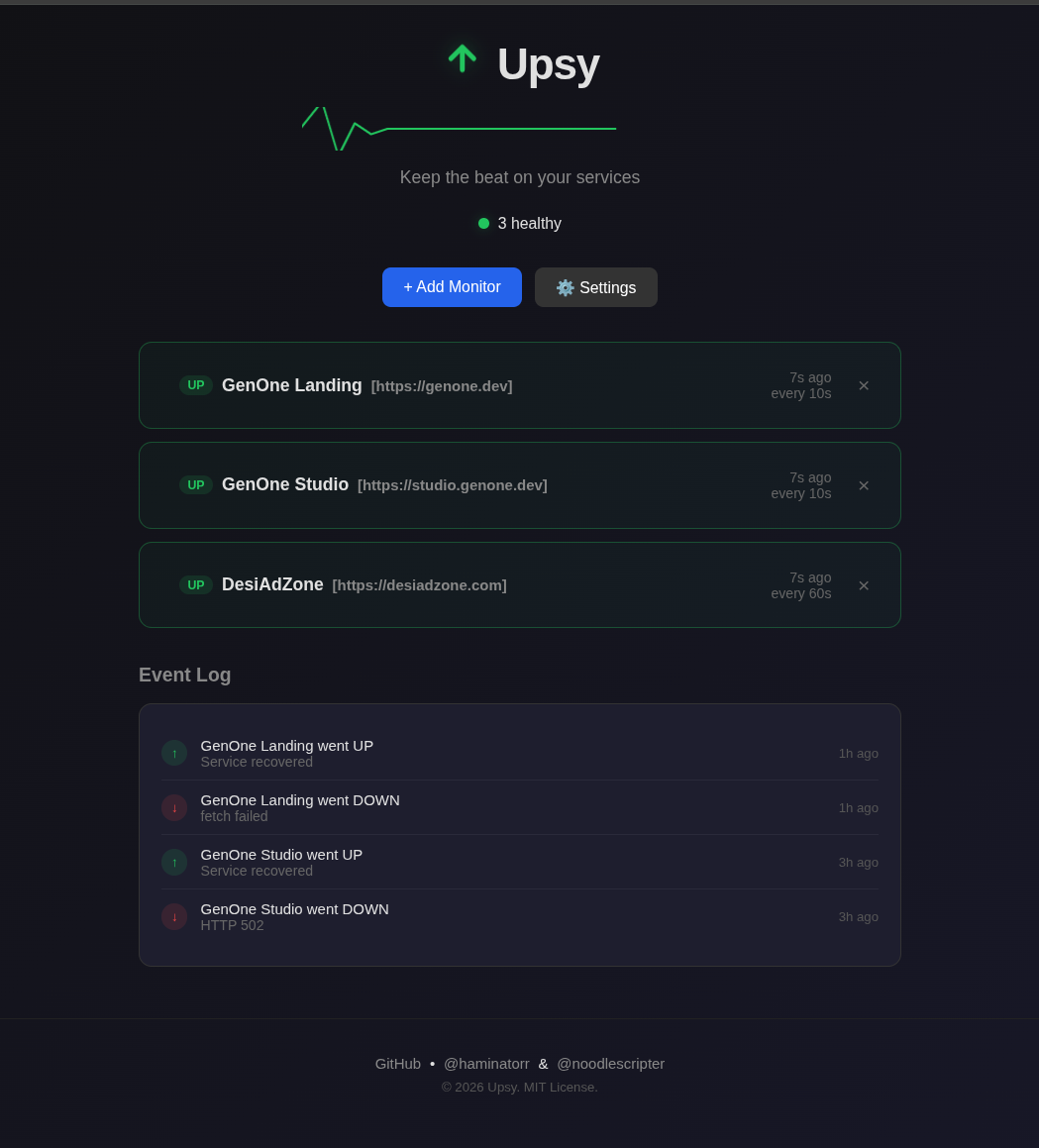
Track as many websites and services as you need
Set custom check intervals per monitor
SMTP support for UP/DOWN status changes
Timestamps for when sites go up/down
Clean, modern interface that's easy on the eyes
Single notification per state change (no spam)
Open http://localhost:3000
Open http://localhost:7000
Configure email alerts via the Settings button in the UI:
smtp.gmail.com)| Variable | Default | Description |
|---|---|---|
PORT |
3000 | Server port |
DATA_DIR |
./data | Data directory path |
All data is stored as JSON files in the data/ directory:
monitors.json
List of monitored URLs
settings.json
SMTP configuration
logs.json
Event log (last 100 entries)
upsy/
├── server.js        # Express server + monitoring loop
├── public/
│   └── index.html   # Dashboard UI
├── data/
│   ├── monitors.json
│   └── settings.json
├── Dockerfile
└── docker-compose.yml
| Method | Endpoint | Description |
|---|---|---|
| GET | /api/monitors |
List all monitors |
| POST | /api/monitors |
Add new monitor |
| DELETE | /api/monitors/:id |
Delete monitor |
| GET | /api/settings |
Get SMTP settings |
| POST | /api/settings |
Save SMTP settings |
| GET | /api/logs |
Get event log |